




- Home
- What's new at FocalScope
- Mobile app
Give agents and supervisors instant access to tickets, customer conversations, and urgent updates from anywhere, without losing the context needed to deliver great support.
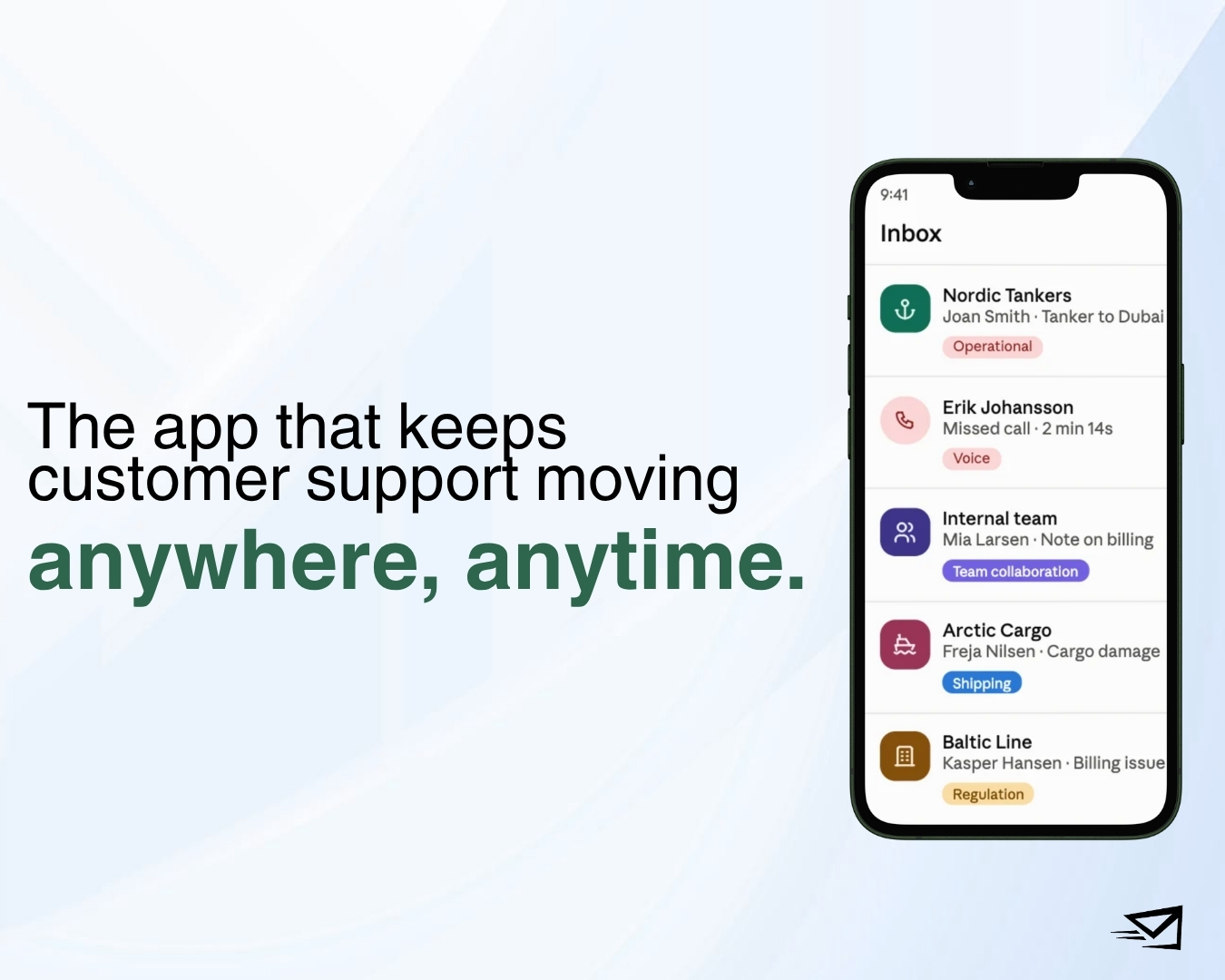
Customer support doesn’t stop when you leave your desk. A refund can breach its SLA over lunch. A VIP customer needs help after hours. A case gets handed from one office to another as shifts change across time zones.
None of that waits for you to get back to a laptop. You need the same ticket, customer history, and conversation trail on your phone that you’d have on a screen, not a stripped-down summary that just sends you back to your desk to actually do anything. A help desk mobile app should let you review urgent cases, check customer history, monitor your priority queues, and add a note before the next handover, all from wherever you are.
Who’s this for?
If you support customers across more than one channel or location, mobile access probably matters to you. That includes:
- Contact centres handling a high volume of enquiries
- Support teams spread across offices or time zones
- Travel companies dealing with disruptions, schedule changes, and last-minute bookings
- Supervisors keeping an eye on SLAs and priority queues
- Managers who need to know what’s happening while they’re out of the office
Whether your team works remotely, across shifts, or between branches, mobile access keeps everyone in the loop without losing the context behind each case.
Did you know?
FocalScope is the travel industry’s number one customer support software demo. With built-in GDS integration, booking and itinerary details land right inside the conversation, so your team can manage disruptions and rebookings without switching screens.
Why mobile access actually matters
Customers don’t think in channels.
Someone emails you, follows up on WhatsApp, then calls when their plans change. A case moves from one team to another as the day goes on.
Without a shared record, every handover creates friction. Customers repeat themselves. Agents waste time hunting for context. Supervisors lose track of what’s happening, and response times slip.
A mobile help desk app fixes this by keeping every interaction in one place. Email, voice, WhatsApp, ticket updates, attachments, and notes all sit together on the same customer record, so whoever picks up the case next already knows what happened.
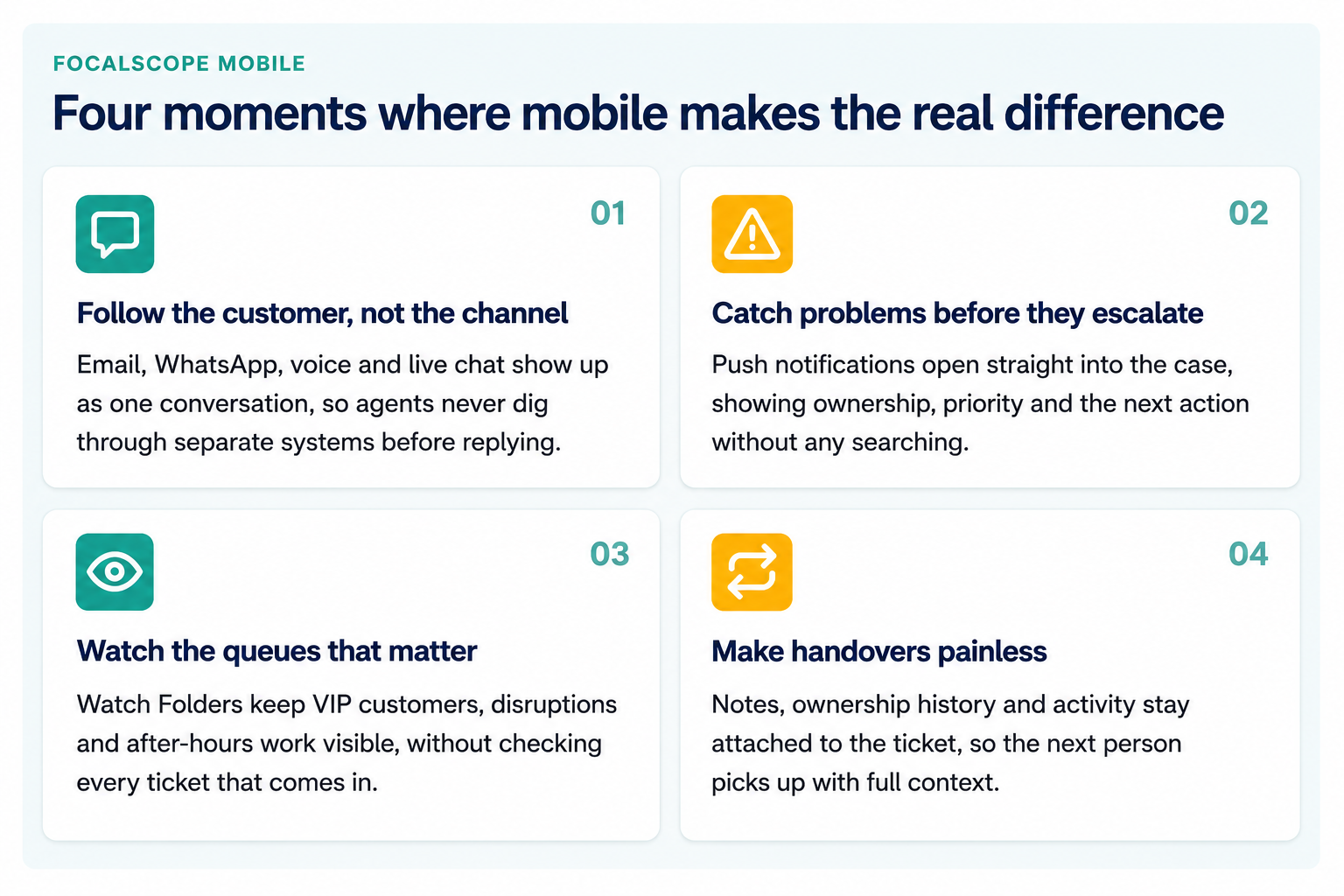
Four moments where mobile makes the real difference
Following the customer, not the channel
A traveller doesn’t experience your business as “the email team” and “the WhatsApp team.” They just remember what they already told you, and expect whoever answers next to know it too.
That’s the part that breaks when channels are handled separately: an agent picks up a call with no idea the customer already emailed twice, or a live chat starts from zero because the earlier WhatsApp thread lives in a different tool. On mobile, that history needs to travel with the case, not the channel, so nobody’s asking a customer to repeat themselves twice in one day.
Catching problems before they escalate
Most tickets don’t need urgent attention. The few that do are usually the ones that cost you the most if they’re missed.
An SLA about to breach, a VIP account gone quiet, a disruption folder filling up faster than usual, these are the moments a desk-only workflow handles badly, because whoever’s away from their laptop finds out last. A notification that drops you straight into the case, with ownership and status already visible, closes that gap before the customer has to chase.
Watching the queues that matter
Nobody wants a phone that buzzes for every ticket. The useful version of mobile alerts is selective, not constant.
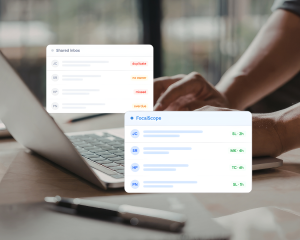
Watch Folders work because a supervisor picks the two or three queues that actually carry risk, VIP accounts, active disruptions, after-hours coverage, and lets everything else stay quiet. It’s less about seeing more, and more about seeing the right things without having to go looking for them.
Making handovers painless
Most support work doesn’t finish in one sitting. It gets picked up by someone else, in another shift, another branch, another time zone.
The handover is where context usually gets lost, whoever inherits the case has to reconstruct what happened from scratch, or worse, ask the customer. Keeping notes, ownership and activity attached to the ticket itself removes that step entirely: the next person opens the case already knowing what’s been done and what’s left.
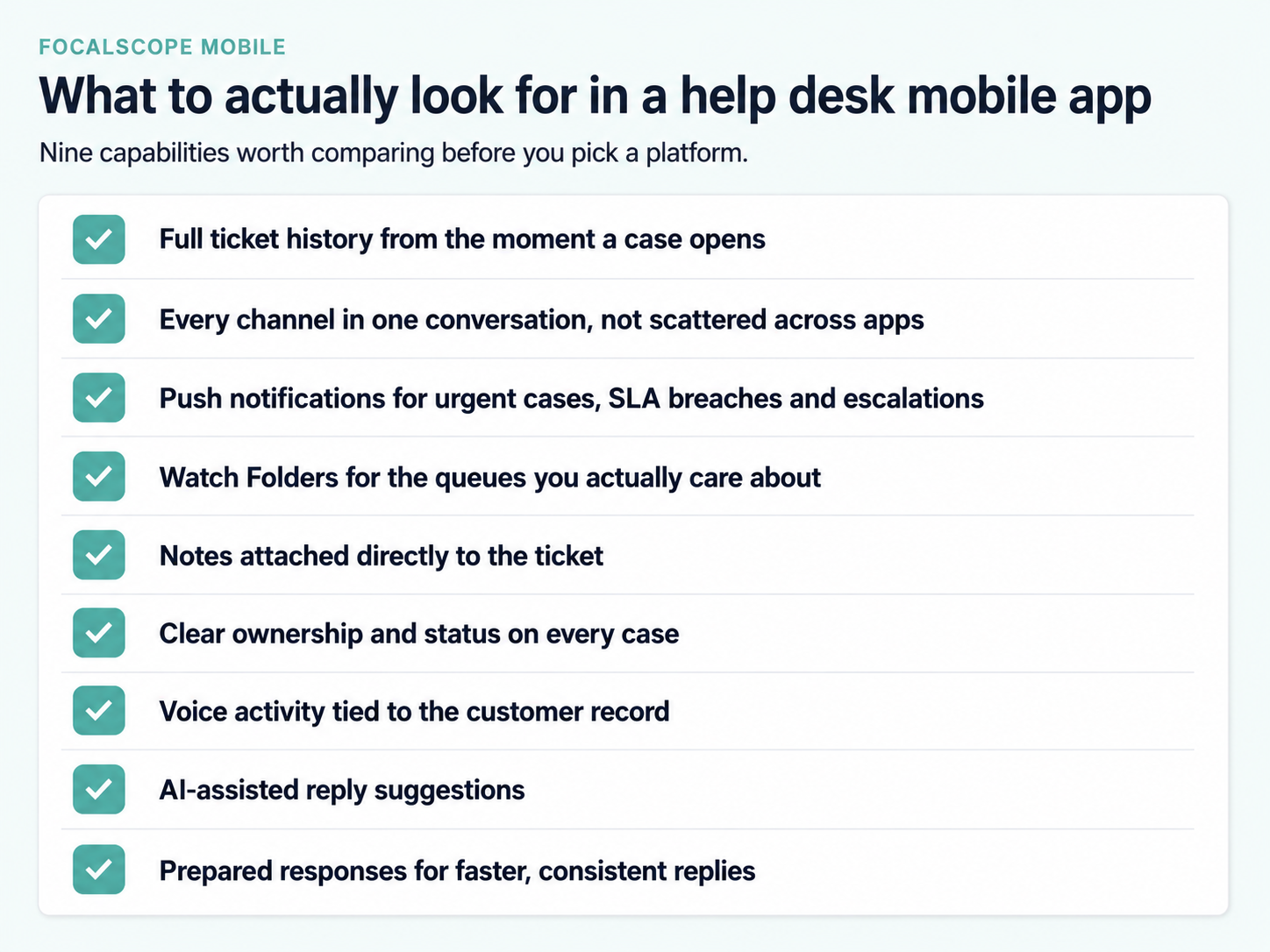
What to actually look for
Not every mobile app pulls its weight.
When you’re comparing help desk software, focus on what genuinely helps you respond faster, not just what fits on a smaller screen.
Look for:
- Full ticket history from the moment a case opens
- Every channel in one conversation, not scattered across apps
- Push notifications for urgent cases, SLA breaches, and escalations
- Watch Folders for the queues you actually care about
- Notes attached directly to the ticket
- Clear ownership and status on every case
- Voice activity tied to the customer record
- AI-assisted reply suggestions
- Prepared responses for faster, consistent replies
Together, this is what actually lets you make quick decisions on the go without losing the thread.
Mobile vs. desktop
Both matter, they just do different jobs.
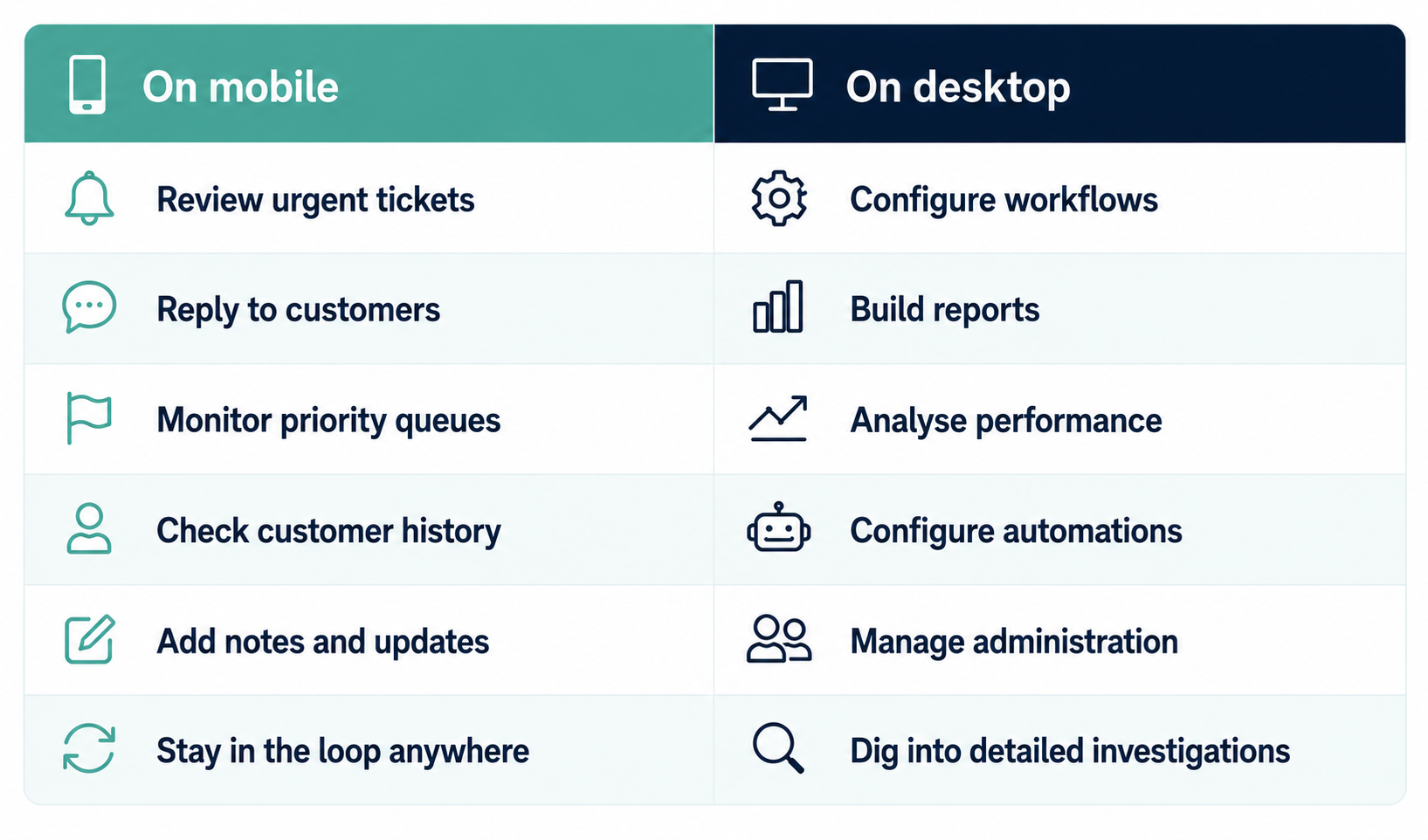
The best setups use both, giving your team what they need wherever they’re working.
How FocalScope Mobile fits in
We built FocalScope Mobile for teams that need real visibility beyond the office, not just a ticket summary. It runs alongside desktop and browser access too, so nobody’s locked to one device.
It puts the full customer record in your hand: tickets, customer history, email, voice activity, notes, Watch Folders, prepared responses, AI assistance, and notifications, all connected.
Whether a case starts by email, moves to WhatsApp, or ends on a call, it all stays on the same record. That means every follow-up starts with full context, so your team can respond faster and give customers a more consistent experience.
Whether you’re managing travel disruptions, running a distributed contact centre, or just handling a lot of enquiries, FocalScope Mobile keeps you connected wherever the work is happening.
Frequently asked questions
Can I manage tickets from my phone?
Yes. FocalScope Mobile lets you access tickets, customer history, conversations, notes, and status from your phone, so you can respond to urgent issues without being at your desk.
Will I see the whole conversation?
Yes. Email, WhatsApp, calls, attachments, ticket updates, and notes all live on one customer record, so you’ve got full context before you reply.
Can supervisors keep an eye on VIP customers and urgent queues?
Yes. Watch Folders let you monitor specific queues, VIP customers, disruptions, escalations, after-hours support, without checking every ticket that comes in.
Does mobile replace the desktop?
No. Desktop is still where you go for reporting, admin, workflow setup, and deeper analysis. Mobile is for the urgent stuff and staying in the loop wherever you are.
What should I actually look for?
Full customer history, every channel in one place, AI assistance, Watch Folders, and the ability to act on a ticket without losing the thread.
Stay connected wherever the work happens
A help desk mobile app should do more than put tickets on your phone. It should give you the context to make good decisions fast, wherever you’re working.
FocalScope Mobile brings conversations, ticket history, notifications, Watch Folders, AI assistance, and visibility into one place, so your team can respond faster, work better together, and give customers a more consistent experience.
Related Topics


Custom Wiki Knowledgebase

Call Routing &
SLA Customisations
Support customers from anywhere
Request a demo to see FocalScope Mobile in action. Give agents and supervisors secure access to tickets, customer conversations, and urgent updates from anywhere, so they always have the context they need to respond quickly and keep support moving.