- Home
- What's new at FocalScope
- Upgrading to Omnichannel
Still running customer support from Outlook? Here’s how to migrate to omnichannel customer service software without missing a single ticket or slowing your team down.
Every support team reaches a point where they need more. More visibility. More structure. More control over what happens to every customer conversation.
That moment looks different for every team. Some are handling more volume and ready to operate at a higher level. Others want to run a leaner operation — maintaining the same quality of support with a smaller, more efficient team, without adding cost or headcount. Either way, omnichannel support software is built for exactly that.
The good news: it is not as complicated or disruptive as it sounds. Here is how to make the move without disrupting a single customer interaction.
Step 1: Map How Work Moves Today
Start by mapping how work moves through your team today. Which inboxes exist and who has access. How tickets are assigned. What escalation paths look like in practice.
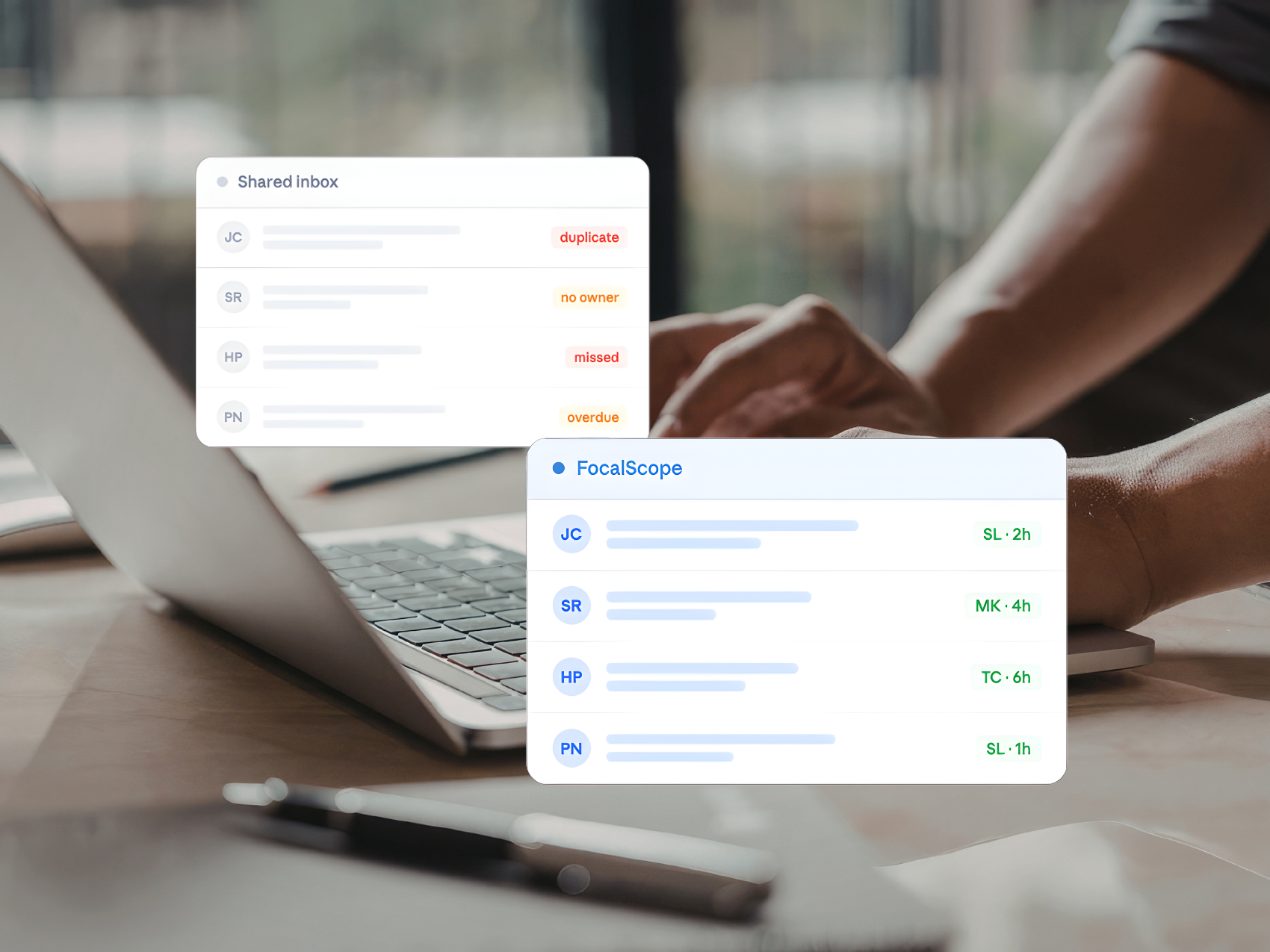
Most teams uncover more than gaps at this stage. They uncover how their support actually runs: the shared inbox no one owns or the workflow one person handles better than anyone else. This step replaces assumptions with clarity so that your email ticketing system reflects reality, not guesswork.
Step 2: Configure Everything Before Go Live
Configure everything before a single ticket arrives: inbox structure, routing rules, SLA targets, automations, and CRM integrations.
Your FocalScope implementation consultant handles this with you from start to finish. When your team logs in on day one, the platform is already built around how they work.
What What Happens When You Get This Right
When the transition is done properly, the improvements are not gradual. They are immediate.
- Faster response times through structured queues.
- Clear ownership on every ticket with no duplicate responses.
- Consistent escalation handling.
- Automatic SLA tracking across every channel.
Your team works inside a system built for the work they do. That is what scaling support is supposed to feel like.
Step 4: Bring Your Customer History With You
Historical Outlook data imports directly into FocalScope. Every previous conversation stays accessible in the same workspace. Ongoing cases continue with full context intact. Your team keeps the history; your customers never notice the switch.
Step 5: Train Around Daily Tasks
The most effective onboarding focuses on how work gets done. How tickets appear and are prioritised. How to respond, assign, escalate, and close.
For managers, the reporting and SLA dashboards are where the biggest improvements become measurable. Your implementation consultant covers all of this as part of onboarding.
Step 6: Use Early Data to Tune the System
Performance data is available from day one. Use this to refine your automated workflows, workload distribution, and AI preferences. Teams that calibrate early find the platform reflecting their actual needs within weeks.
Ready to See What Is Possible?
Start with our free interactive demo and explore FocalScope on your own schedule, or book a personalised tour with our team to see how we can tailor the platform to your needs.
Related Topics


Custom Wiki Knowledgebase

Call Routing &
SLA Customisations
From Our Customers
“FocalScope has transformed how we manage communications. Email searches are faster, assigning work is simpler, and WhatsApp integration has given our team full visibility. Reporting is excellent, so we know exactly how we’re performing.
It’s a game-changer for our operations.”
Product Manager, Hannon Travel